
Please find the instructions below to help you get setup on the ProblemShared VOIP system.
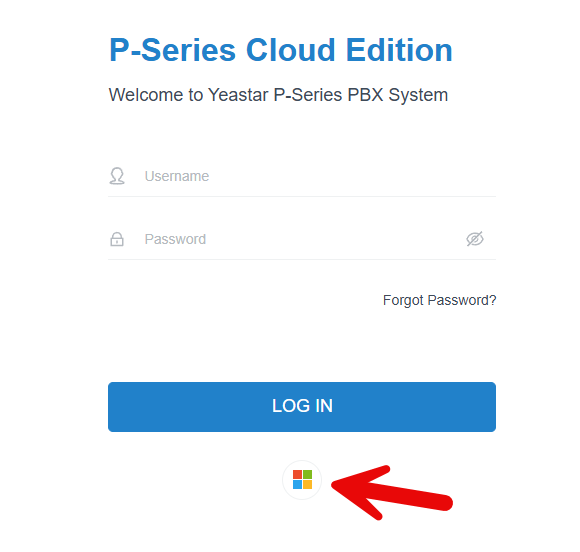
Go to https://ps.ukycm.yeastarcloud.com on your browser and press on the Microsoft icon.
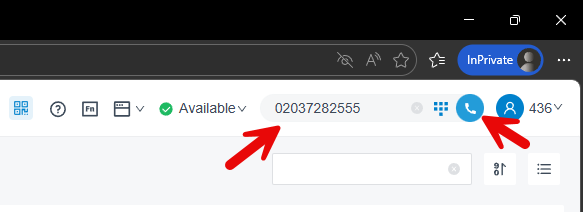
You should get logged into the phone system after selecting your ProblemShared email, you can make outbound calls by typing in a phone number on the top right corner and then pressing the call button.
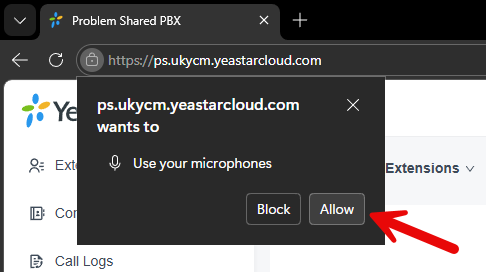
On the top left corner you will need to click on the Allow button to allow your microphone to be used.
If this permission has previously been granted then it should start the call immediately instead.
Need Help?
You can contact us any time on 0203 728 2555 or email us at support@amazingsupport.co.uk.